An anchor for your day

A short list that knows when you’ve drifted.

Today’s list, in your menu bar. Tag a task with the app it needs, and it speaks up when you have not been in that app for a while.

Download on the Mac App Store See how it works

macOS 13 or later  ·  Apple silicon and Intel  ·  no account, no server, no permission prompts

The Killick pill in the macOS menu bar with a quiet reminder open beneath it

It leaves on its own. Nothing to clear, nothing marked missed, and it comes back if it still matters.

Four things it does differently

Knows which app the task lives in Still there when the menu bar is full Goes quiet when you are on a call No account, no permissions

Everything it ever shows you

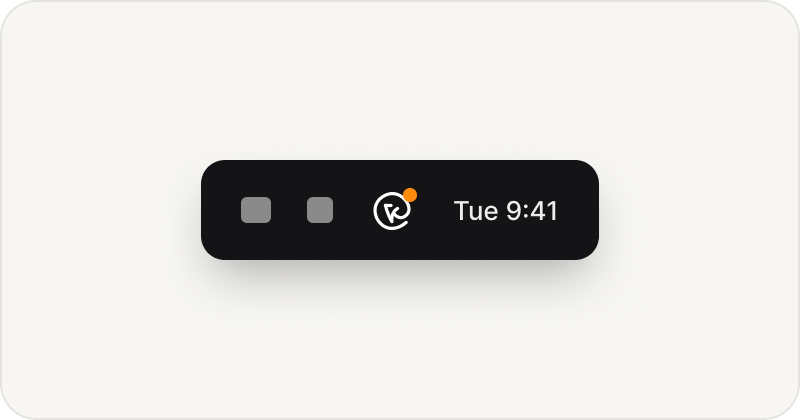
The menu bar icon with a dot

A glance tells you if anything is still on the list.

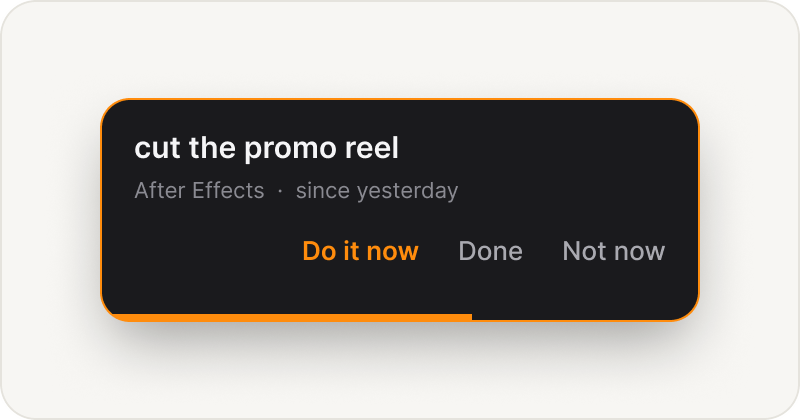
A quiet reminder

A quiet tap on the shoulder. Not ready? Push it back an hour, or let it pass.

A loud reminder

Ignore it twice and it gets loud. One click takes you there.

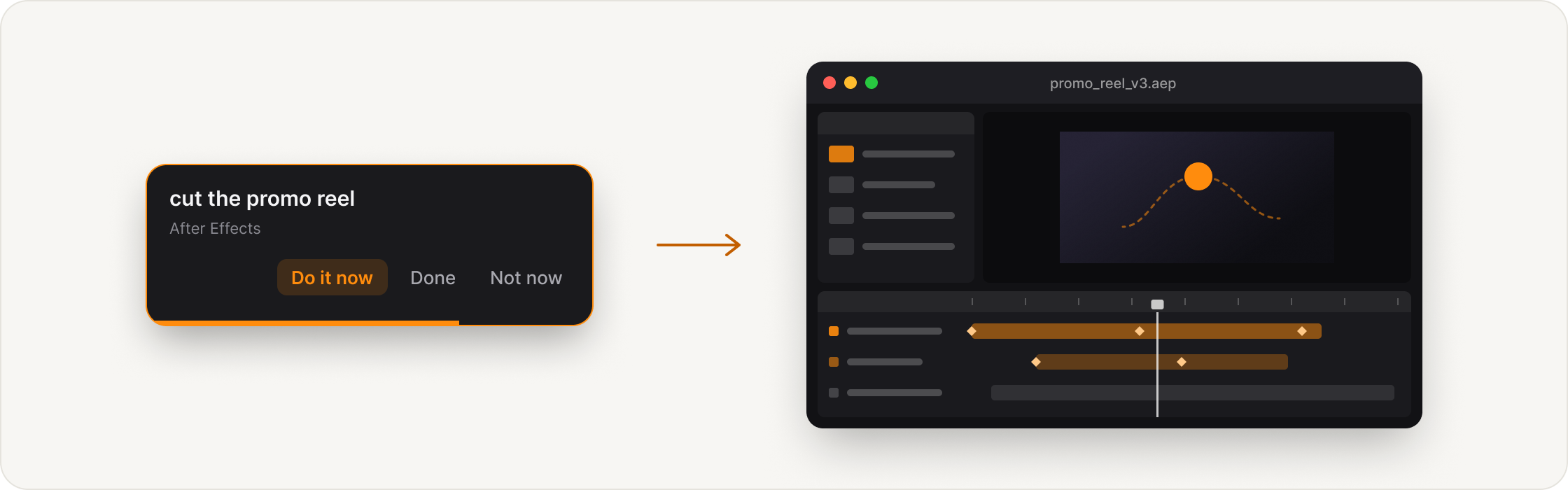
One click lands you in the right app

A reminder opening the tagged app

How it works

A day, start to finish

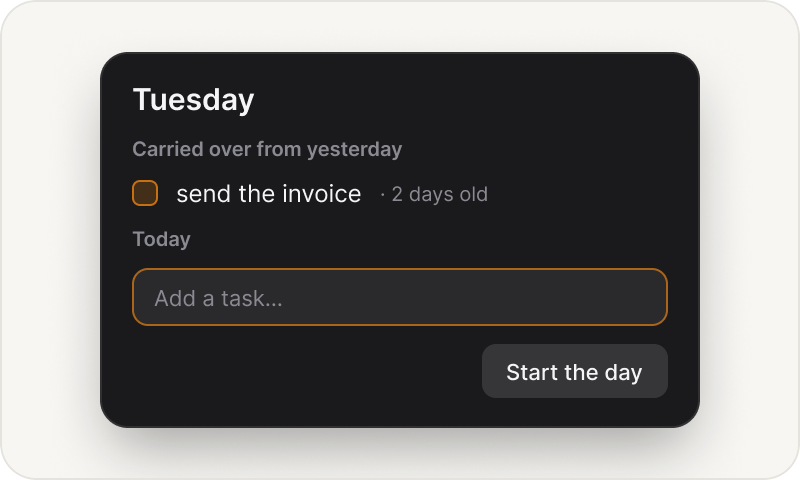
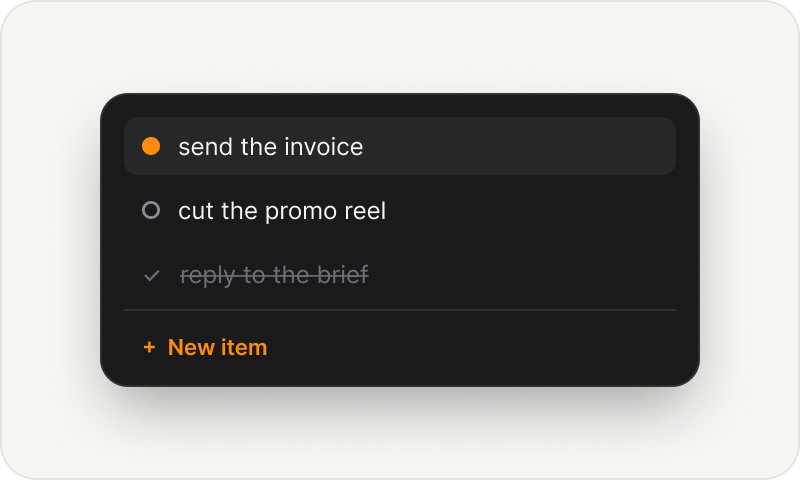
The morning panel

01

In the morning

Whatever was left from yesterday is waiting when you sit down. Keep what still matters, add what is new, and start the day.

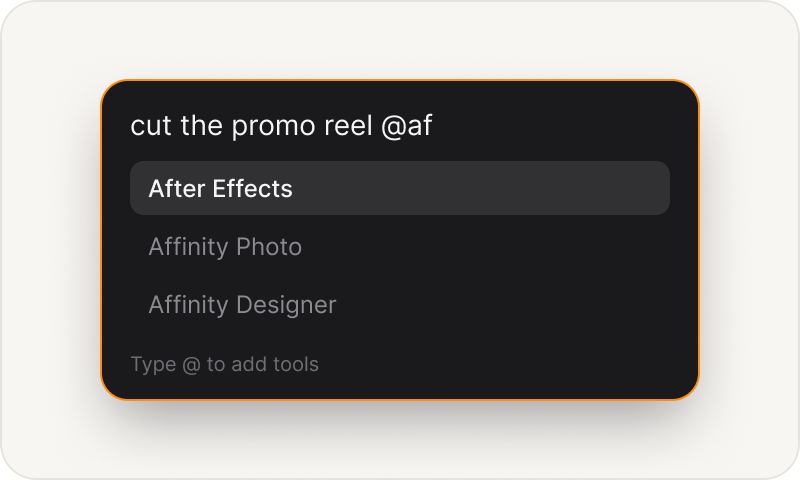
Adding a task with a tool tag

02

Through the day

⌃⌥Space adds something the moment you think of it, without leaving what you are on. Tick it off the same way, and the anchor moves to the next one.

Tomorrow's list

03

Tomorrow, first thing

Whatever you did not get to is the first thing you see. Leave it one more day and it lets itself go.

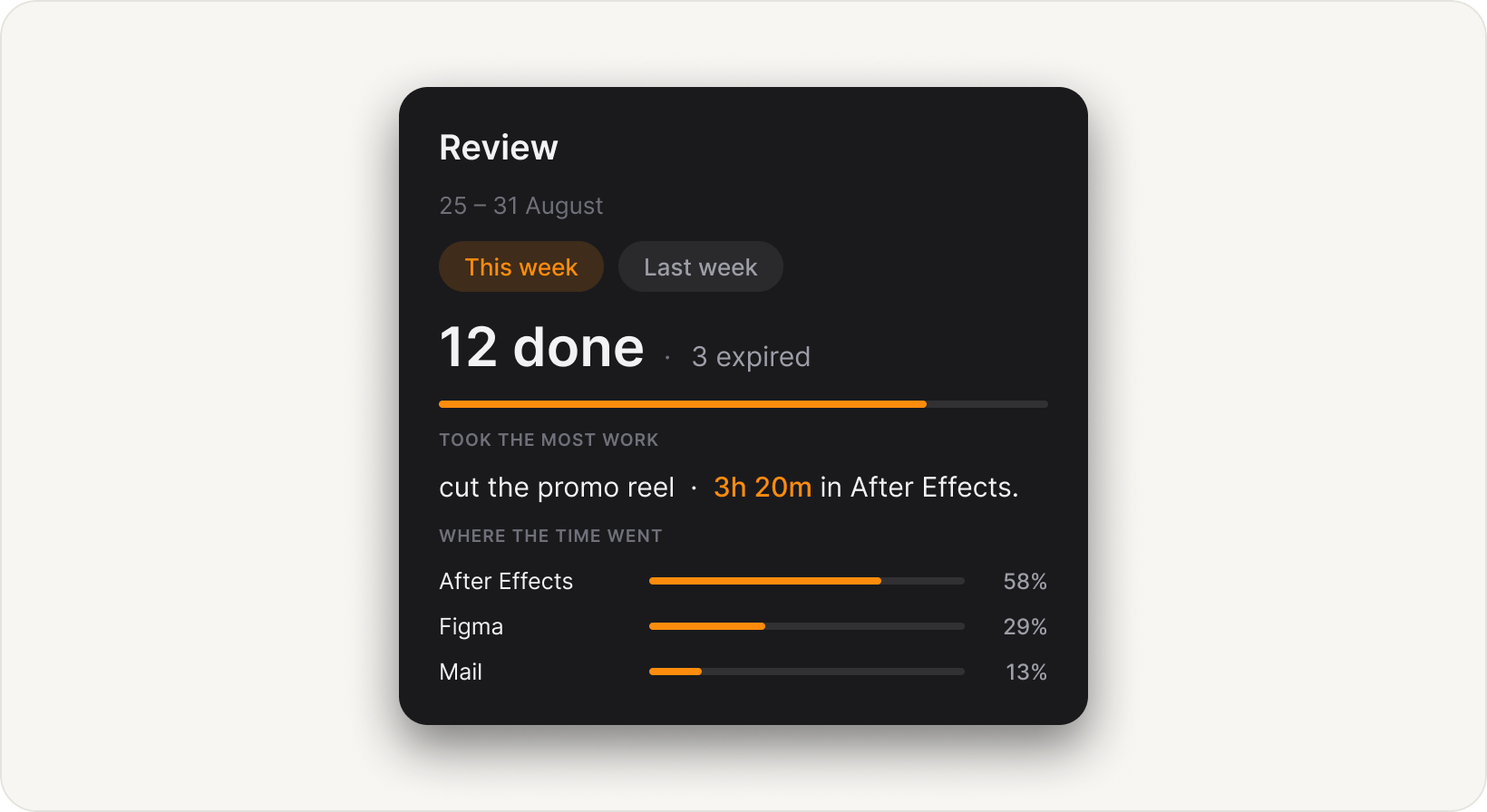
Where the week went, without a timer

The weekly review panel

Open it from the list whenever you want. This week or last, and no further back.

Not another list. An anchor.

Free. No account, no permissions, no server.

Seven open at a time. Opens at login. Three nudge speeds, or none at all.

Download on the Mac App Store